基于Docker搭建Nexus3仓库及配置与使用详解
在使用npm的时候使用淘宝镜像也是很慢,发现Nexus3可以代理npm就使用Docker搭建Nexus3仓库来代理npm,写篇文章记录下
安装方法
- 直接使用docker拉取官方镜像
- 源码安装
- dockerfile构建
以上使用第一种方式安装,简单快捷,直接拉取镜像然后启动即可。
系统环境
1 | Kernel Version: 4.9.87-linuxkit-aufs |
Linux
- 执行命令:
1 | sudo docker run -d \ |
- 输入后自动启动nexus3容器
- 映射的4个端口用途:
- 8081:nexus3网页端
- 8082:docker(hosted)私有仓库,可以pull和push
- 8083:docker(proxy)代理远程仓库,只能pull
- 8084:docker(group)私有仓库和代理的组,只能pull
- /nexus-data:docker里存nexus数据目录,所以将数据目录存放到宿主机/opt/nexus-data
将运行容器中的8081映射到主机的8081上,
--restart=always是docker重启时自动启动该容器
windows
- 在d:/docker创建nexus-data文件夹
- 执行命令:
1 | docker run -d -p 8180:8081 --name nexus3 -v d:/docker/nexus-data:/nexus-data sonatype/nexus3 |
访问网页端
1 | http://127.0.0.1:8081 #默认账号密码: admin/admin123 |
nexus3使用与配置
nexus3支持的组件类型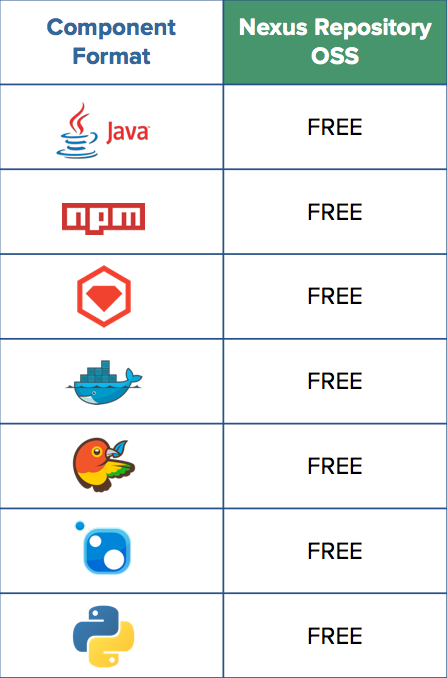
创建仓库
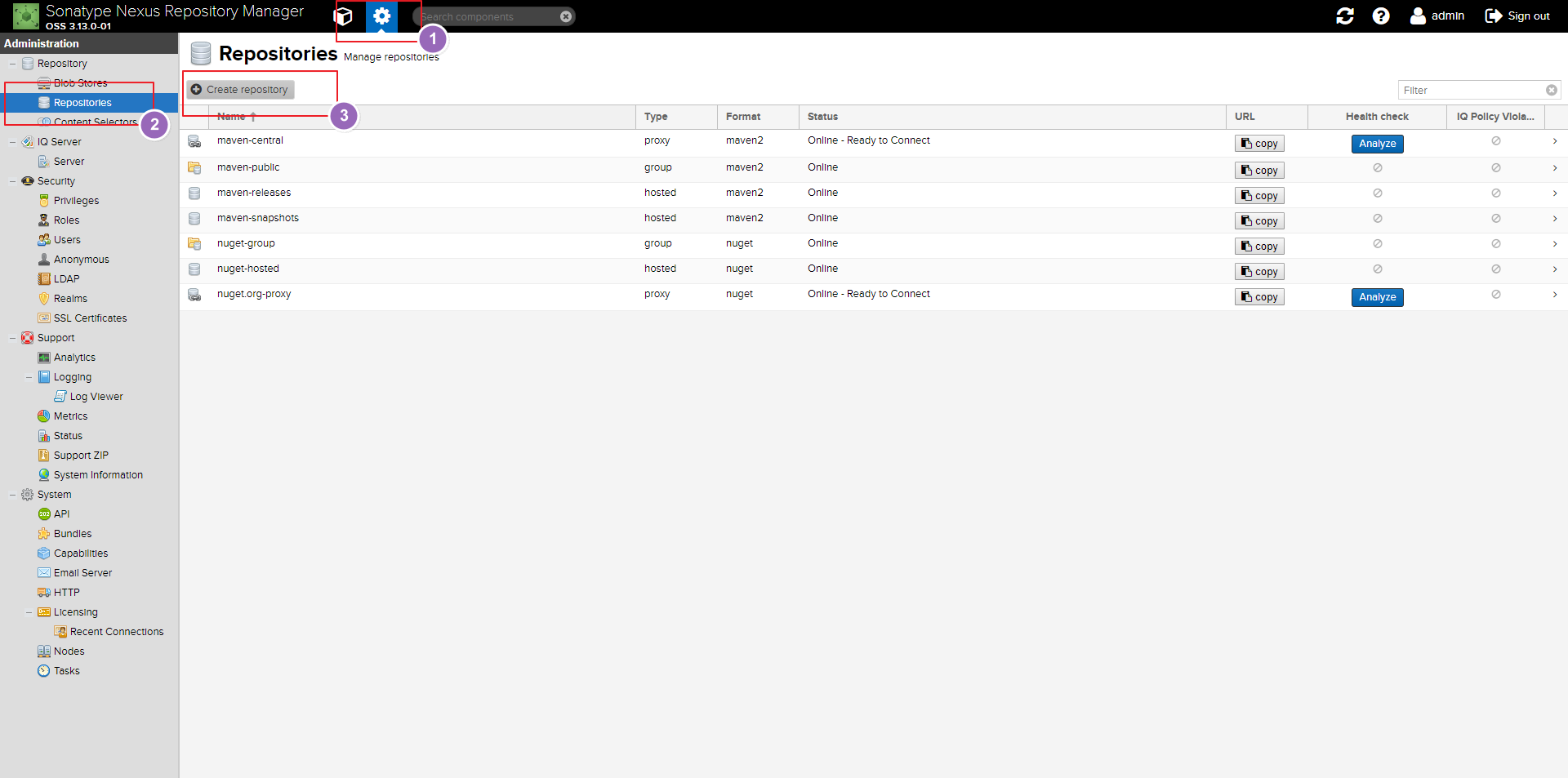
创建proxy仓库
选择创建proxy仓库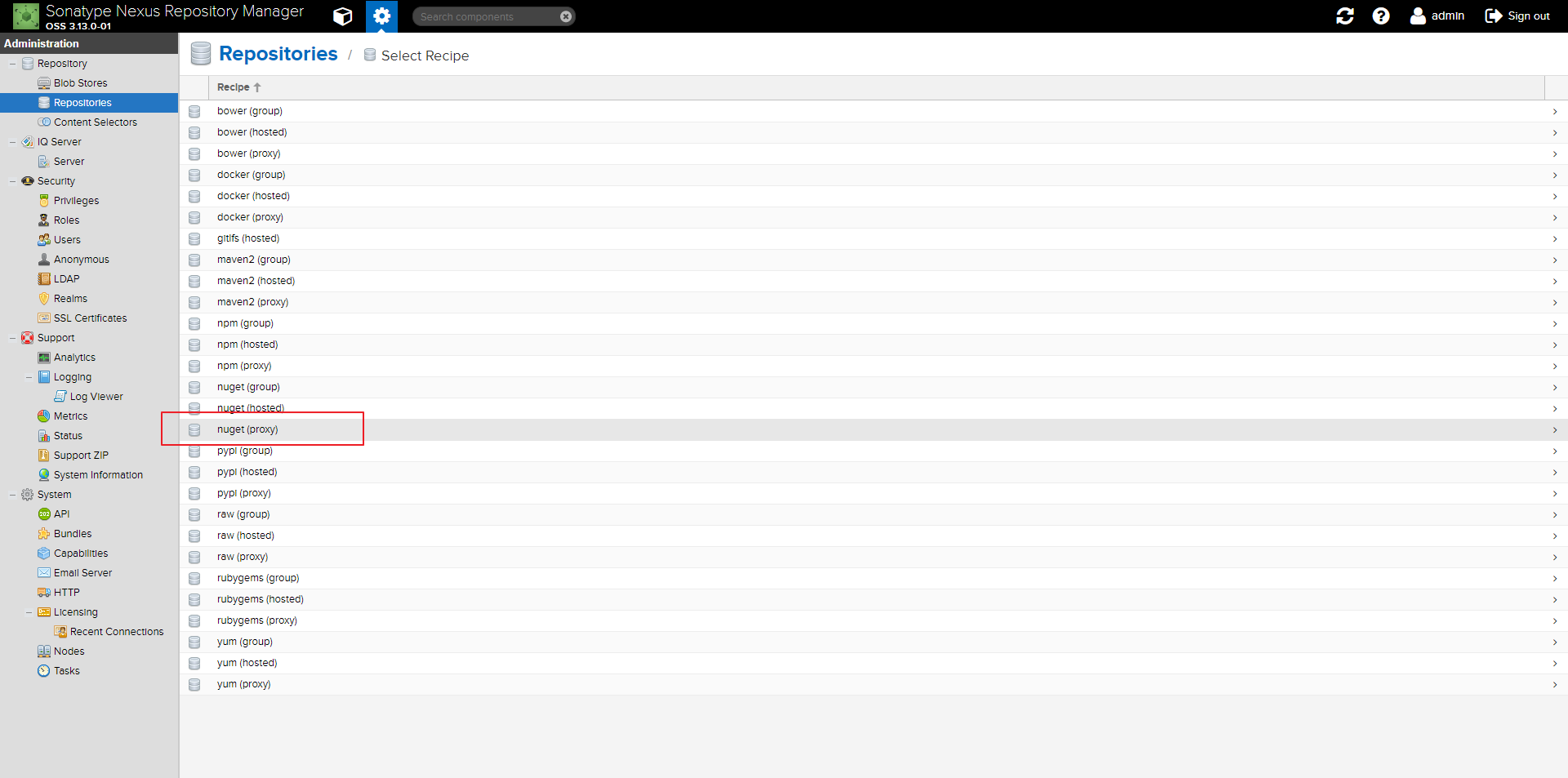
配置proxy仓库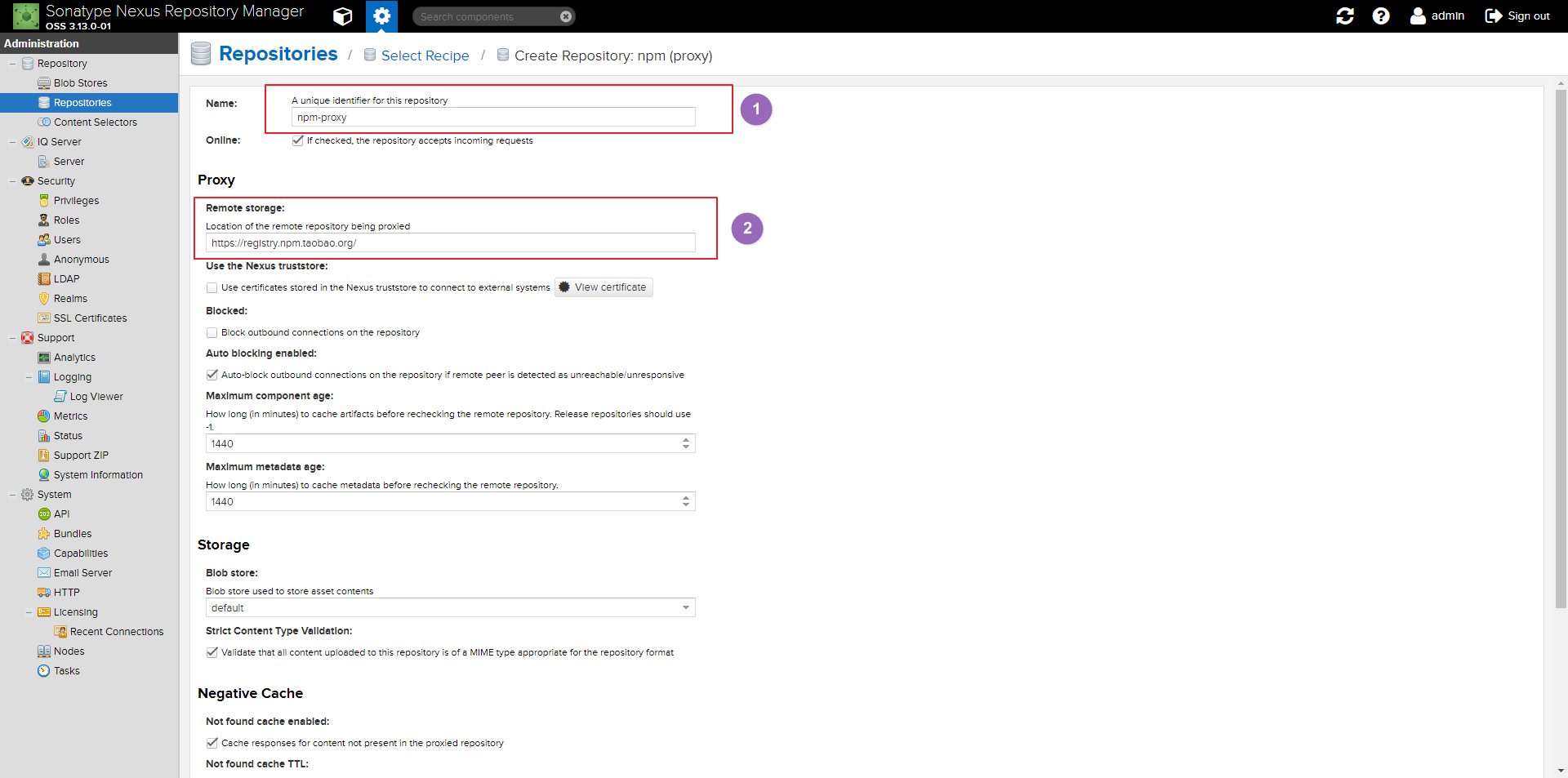
- 使用淘宝的镜像代理
- 名称:npm-proxy-taobao
- 代理:https://registry.npm.taobao.org/
创建hosted仓库
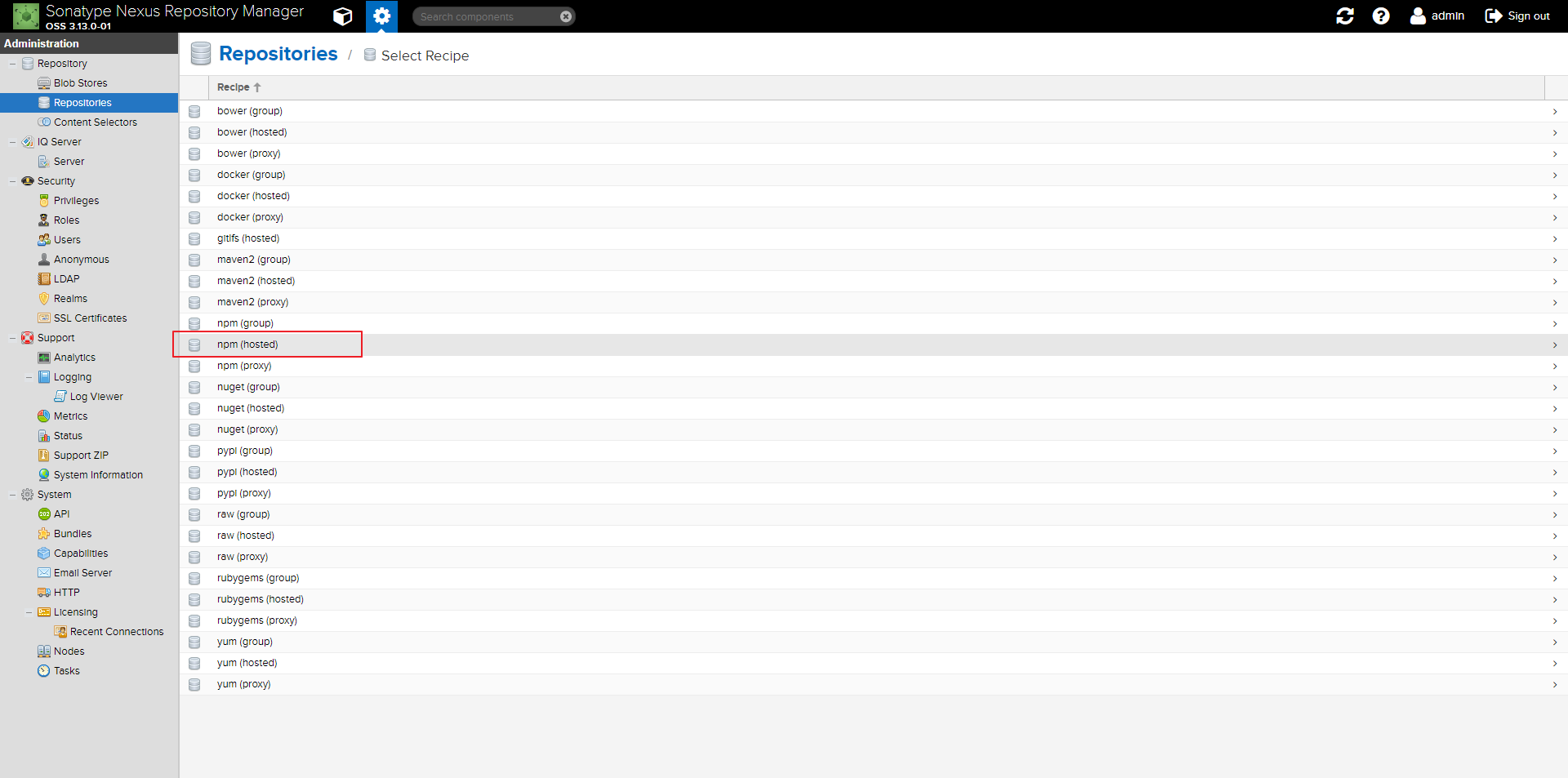
命名为npm-hosted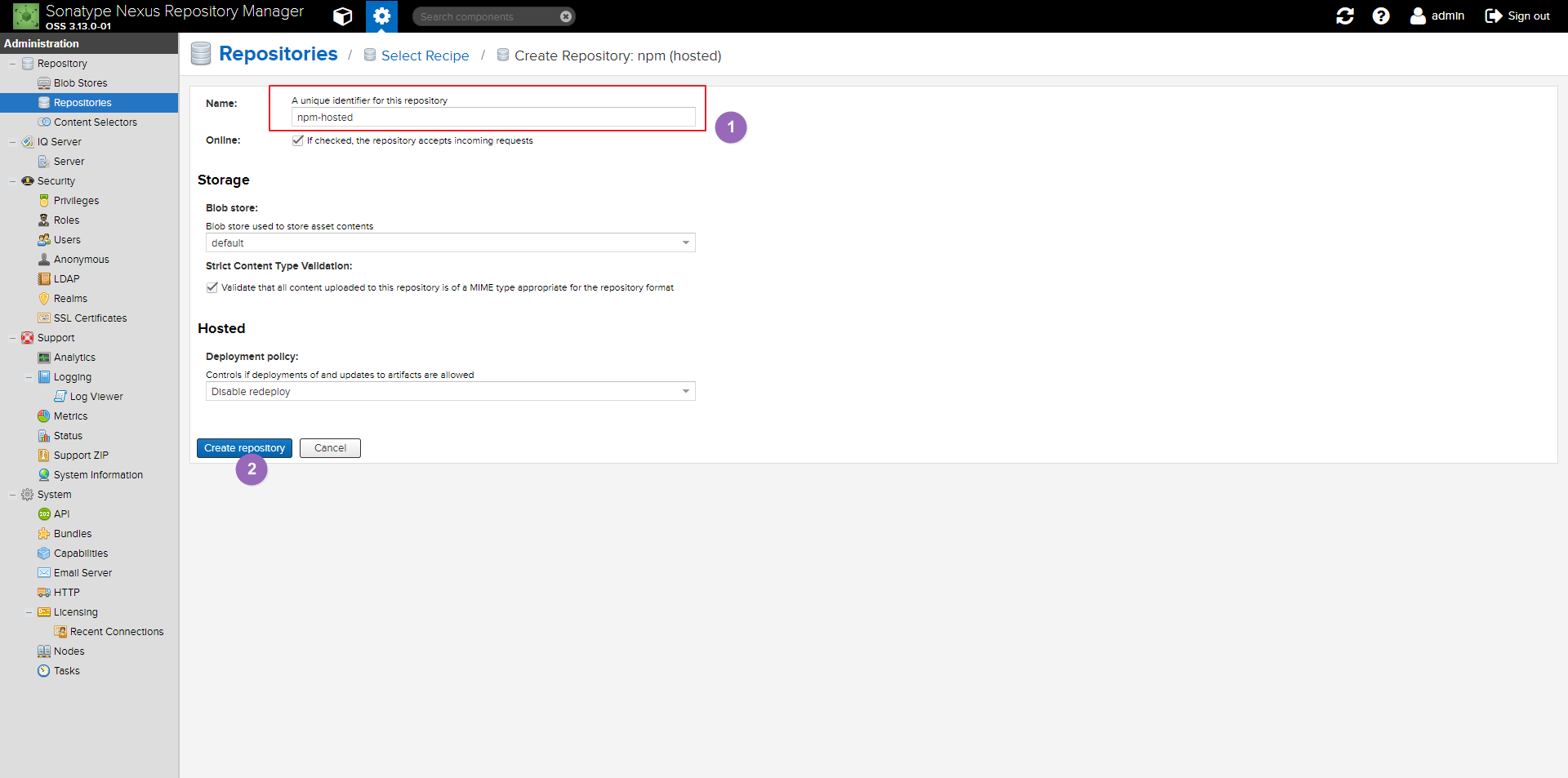
创建public仓库
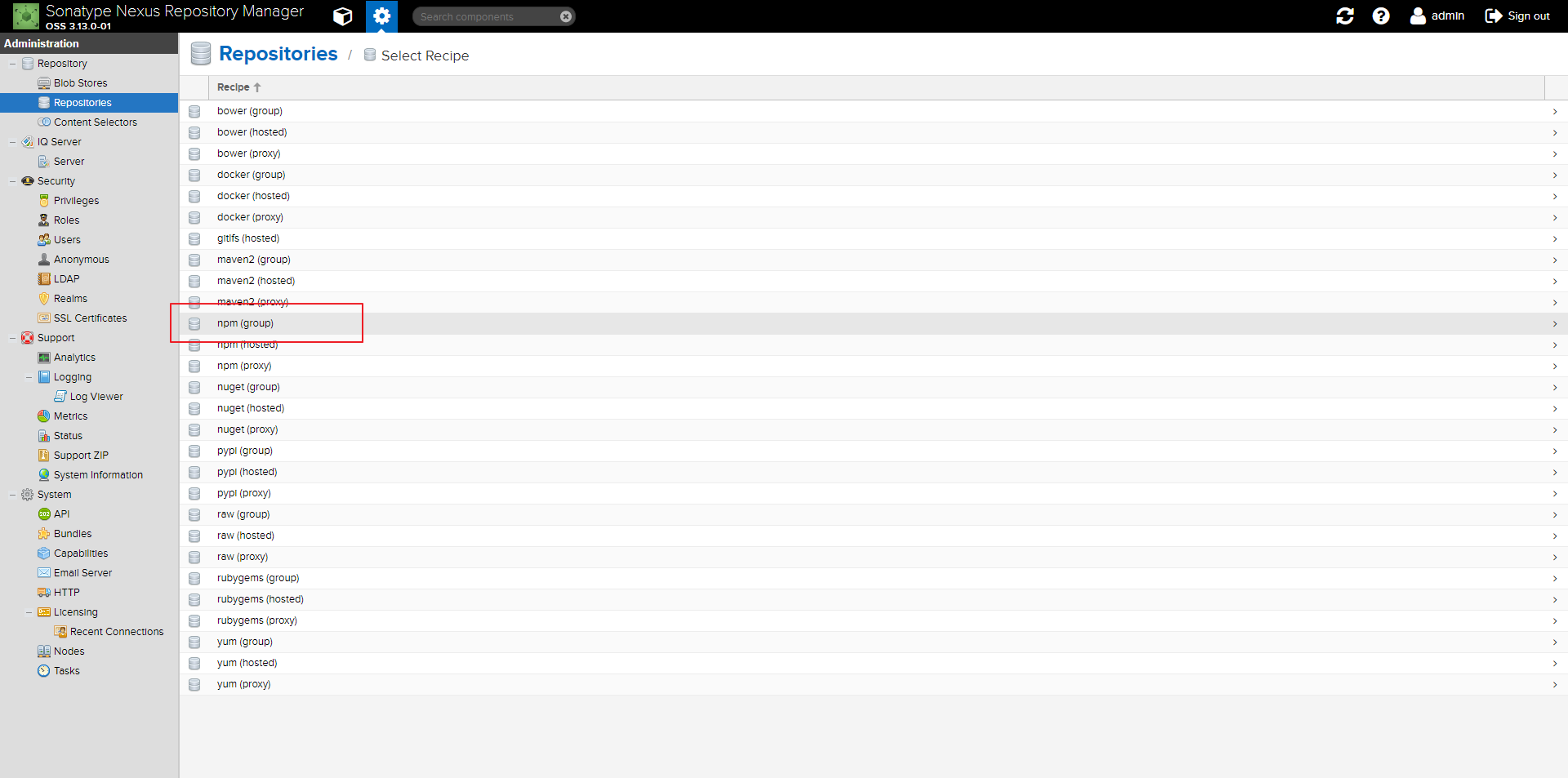
命名为npm-public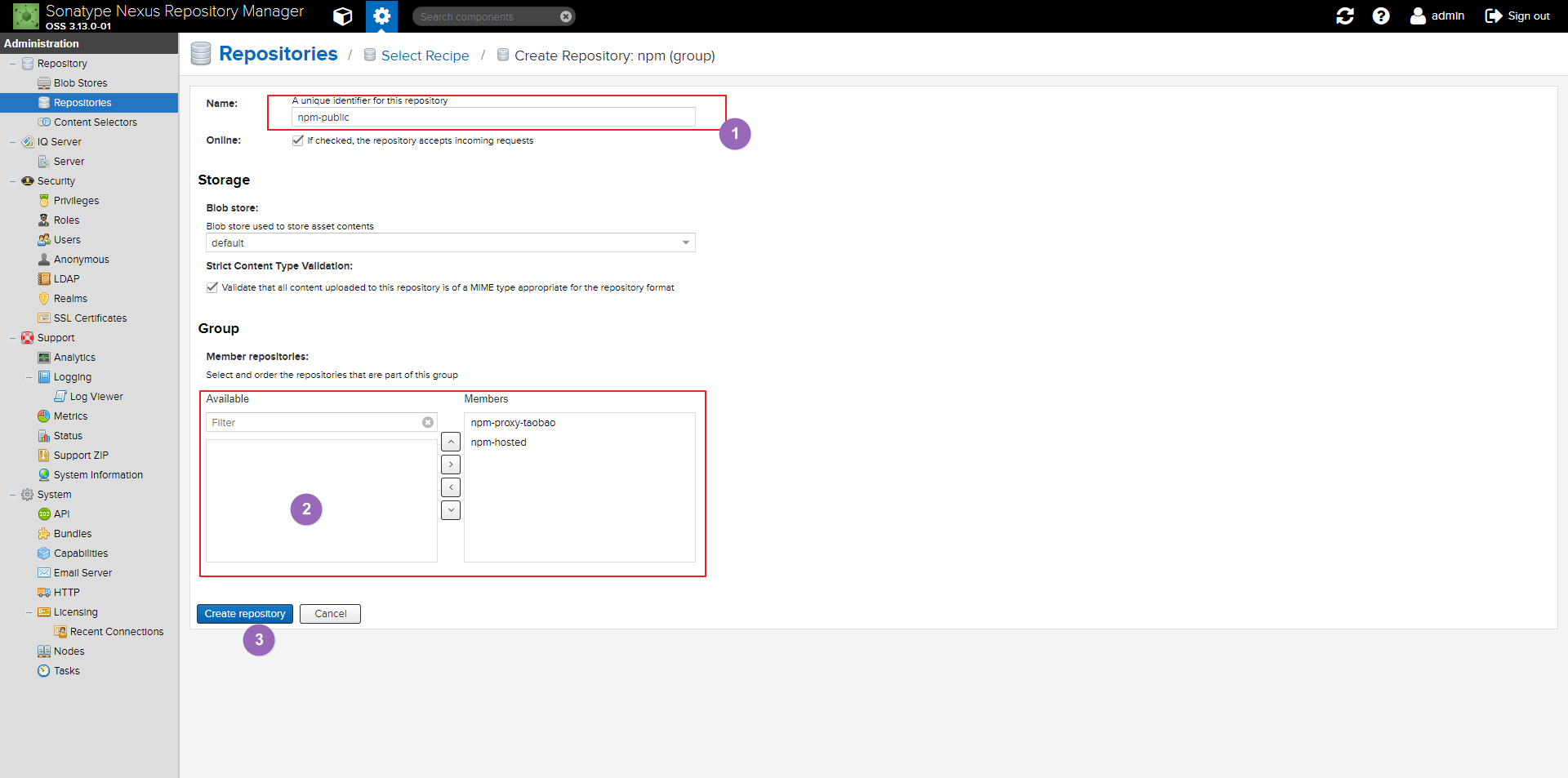
- 把2中的选项加入右边
使用验证
安装试下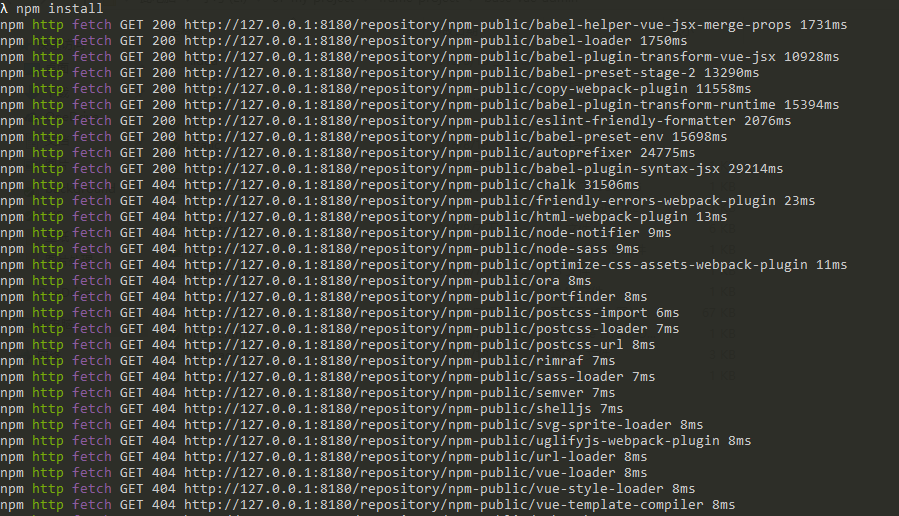
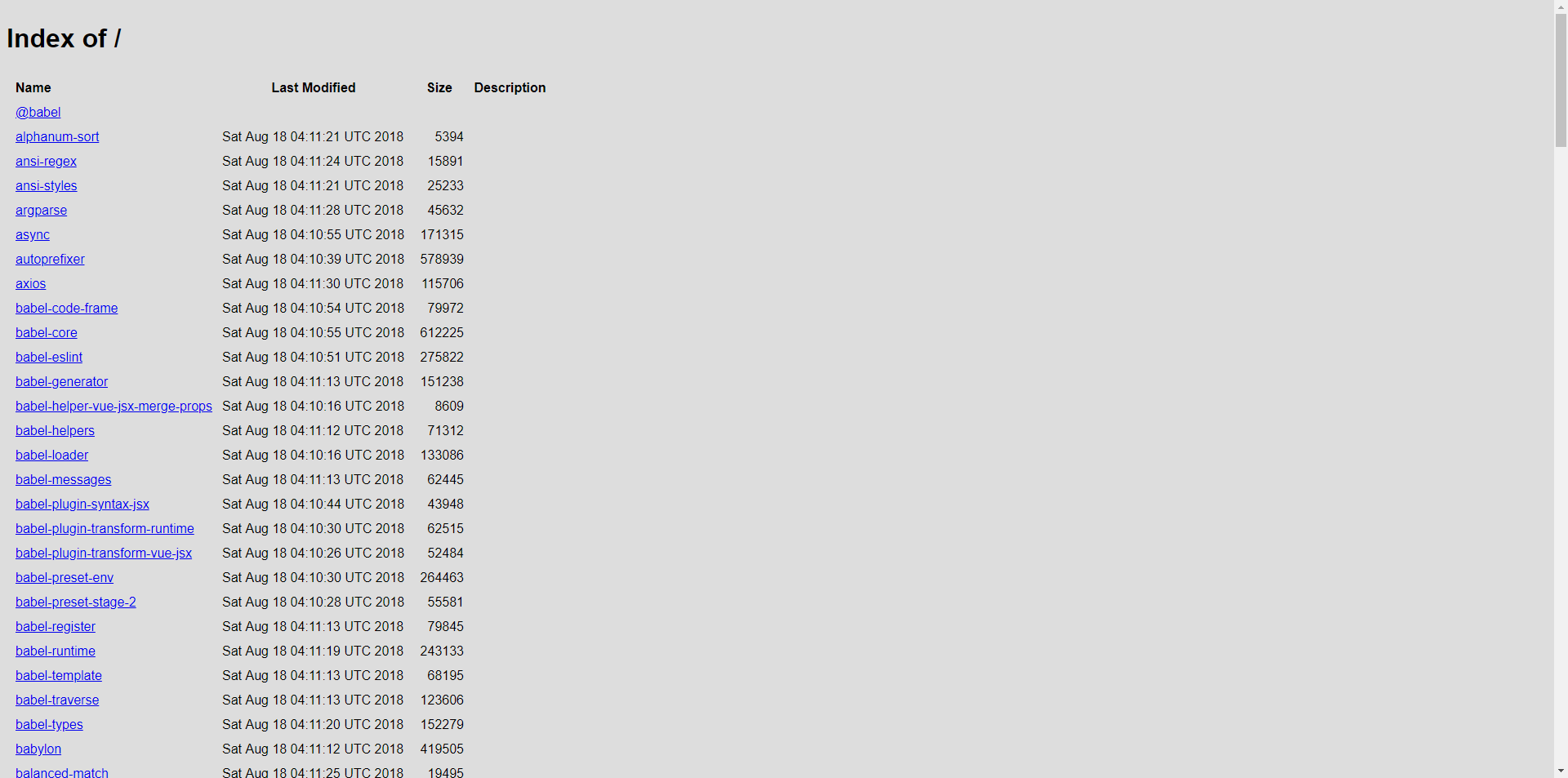
查看是否仓库中是否已经存在本地代理了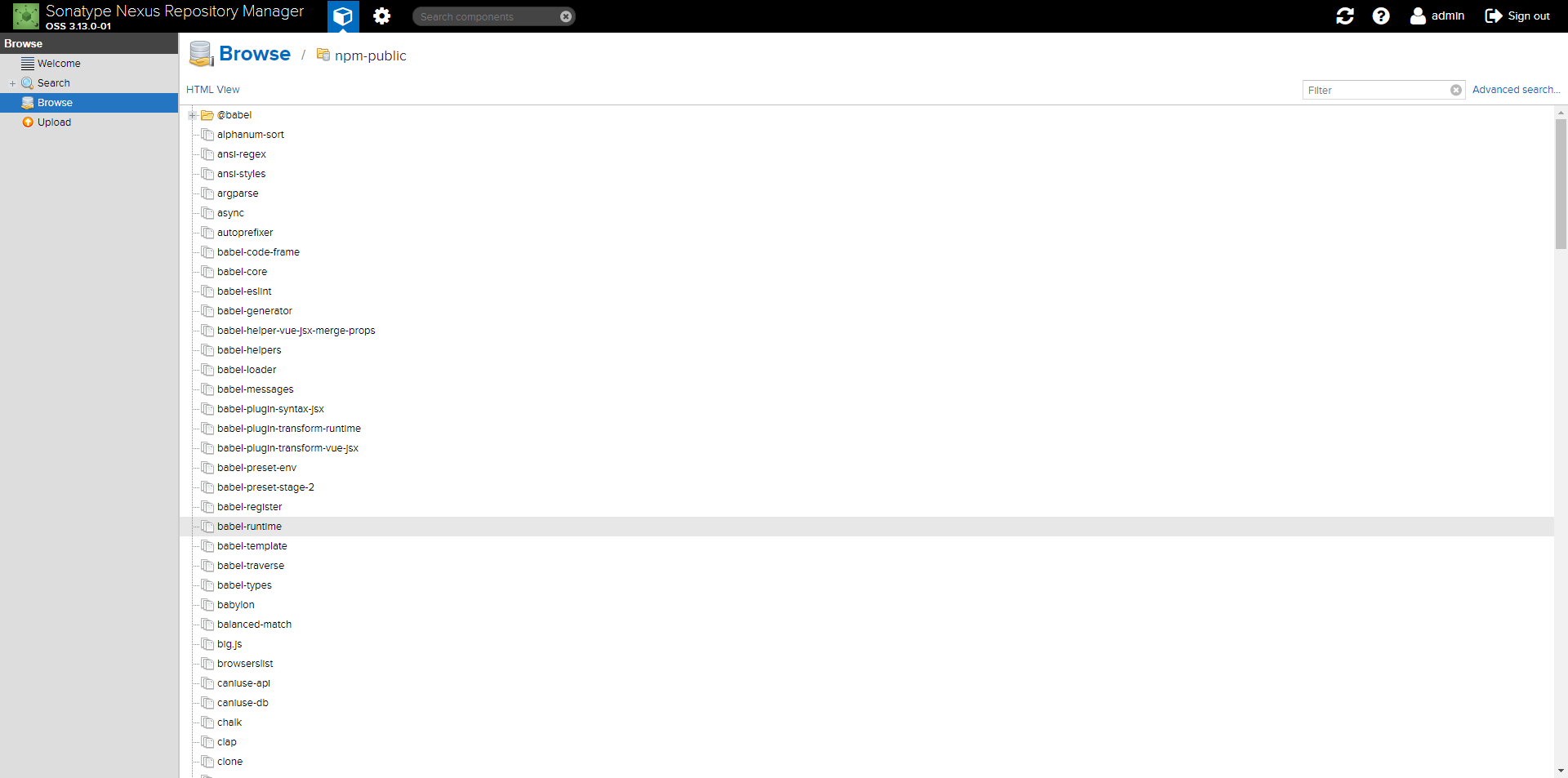
其他代理仓库
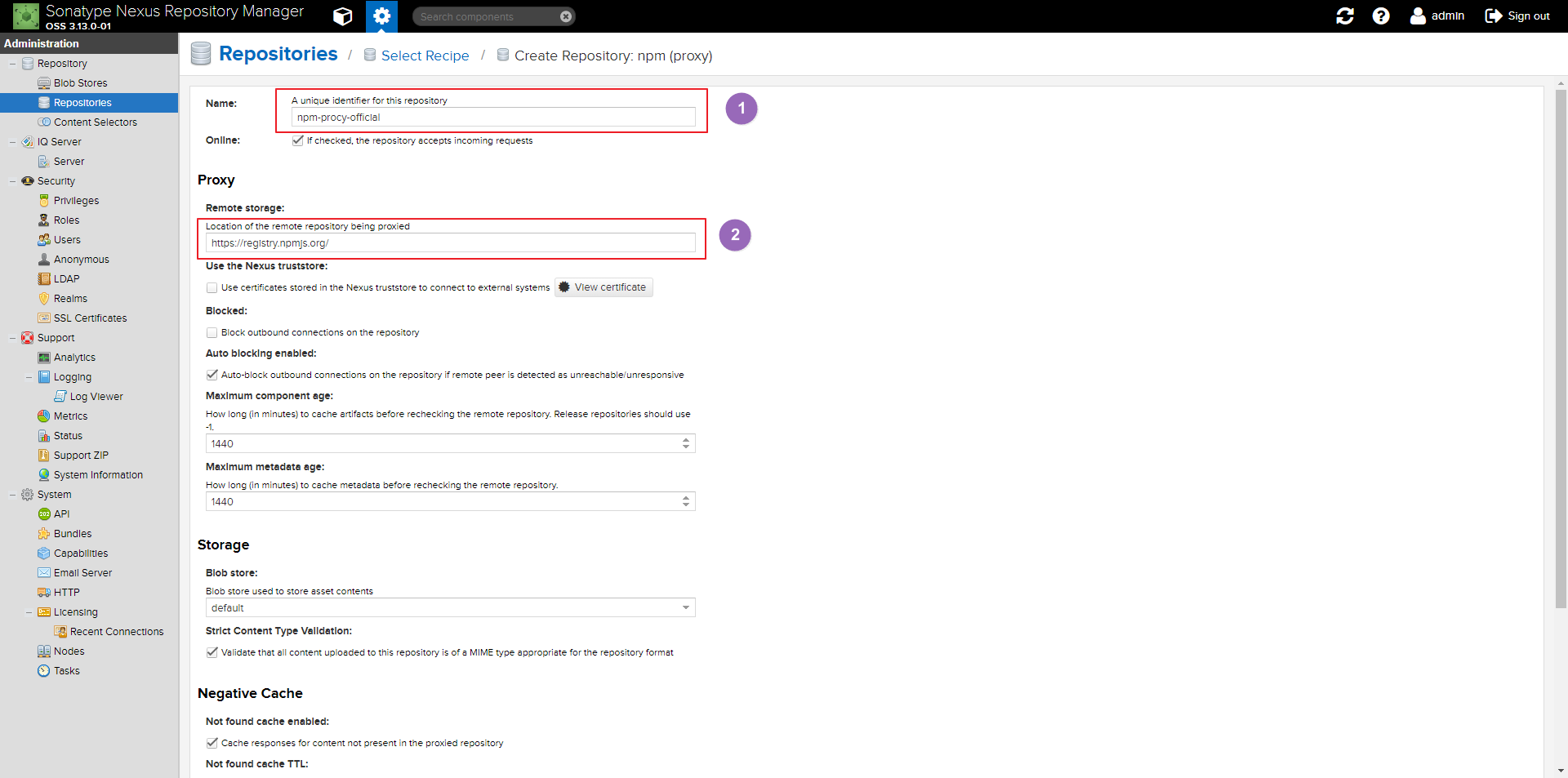
- 添加official命名为npm-procy-official
- 远程的代理地址填写:https://registry.npmjs.org/
![]()
将npm的注册表源设置为国内的镜像
1、国内用户,建议将npm的注册表源设置为国内的镜像,可以大幅提升安装速度
2、国内优秀npm镜像推荐及使用:http://riny.net/2014/cnpm/
淘宝npm镜像
- 搜索地址:http://npm.taobao.org/
- registry地址:http://registry.npm.taobao.org/
cnpmjs镜像
- 搜索地址:http://cnpmjs.org/
- registry地址:http://r.cnpmjs.org/
默认镜像
- 搜索地址:https://www.npmjs.com/
- registry地址:https://registry.npmjs.org/
如何使用
有很多方法来配置npm的registry地址,下面根据不同情境列出几种比较常用的方法。以淘宝npm镜像举例:
1、临时使用
1 | npm --registry https://registry.npm.taobao.org install express |
2、持久使用
1 | npm config set registry https://registry.npm.taobao.org |
3、通过cnpm使用
1 | npm install -g cnpm --registry=https://registry.npm.taobao.org |
npm使用国内镜像的方法
一.通过命令配置
- 命令
1 | npm config set registry https://registry.npm.taobao.org |
- 验证命令
1 | npm config get registry |
如果返回https://registry.npm.taobao.org,说明镜像配置成功。
二、通过使用cnpm安装
- 安装cnpm
1 | npm install -g cnpm --registry=https://registry.npm.taobao.org |
- 使用cnpm
1 | cnpm install xxx |